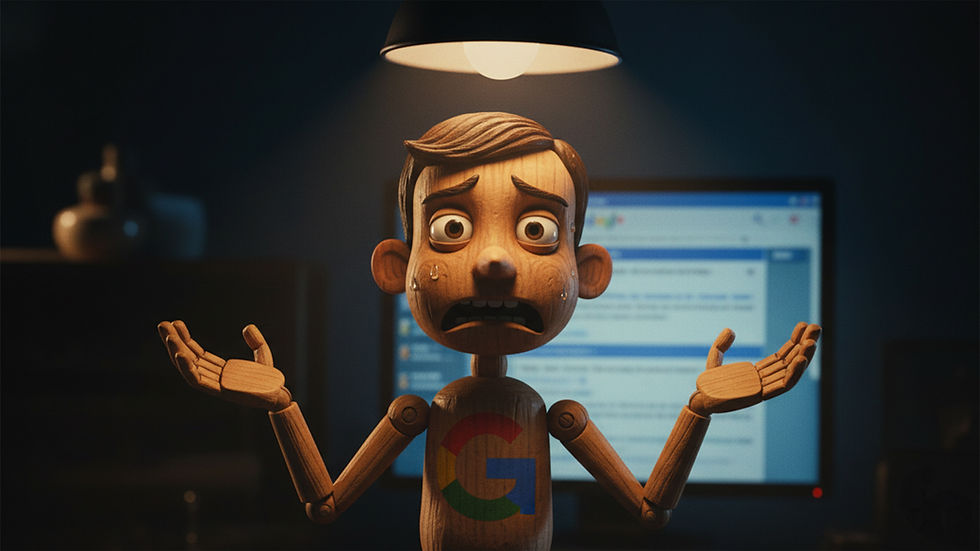
Google's New 2MB Crawl Limit: Why Less Is Actually More for Your Website

Google just cut its crawling limit from 15MB to 2MB per page. If your first reaction is panic, take a breath. For most businesses, this changes nothing. And honestly? That's part of the problem.
What's the page size limit for Googlebot crawlers?
As of now, Google will stop crawling a page after 2MB of content in formats like HTML, XML, and CSV. That's down from the previous 15MB limit. PDFs still get 64MB, which is plenty for well-designed documents.
To put this in perspective: when Google started, they crawled only 100KB per page. In 2022, that jumped to 15MB. Now it's coming back down to 2MB.
Here's the thing: if you're hitting 2MB on a standard webpage, you're not just pushing Google's limits. You're torturing your visitors.
What is the purpose of a crawler?
Googlebot is the software that visits your website, reads your content, and indexes it so people can find you in search results. Think of it as Google's scout, constantly exploring the web to understand what's out there and what deserves to rank.
Without crawling, your content doesn't exist in Google's eyes. No crawl, no index, no rankings.
How often does Googlebot crawl your site?
It depends. High-authority sites with frequently updated content might get crawled every few hours. Smaller or less active sites? Could be days or even weeks between visits.
Here's what most people miss: crawling is just the first step. Even after Googlebot visits your updated page, it takes time for those changes to reflect in search results. And right now, AI-generated results (AI Overviews) are taking even longer to update than previous versions of Google.
Translation: patience matters. Making changes today doesn't mean results tomorrow.
Who should actually care about the 2MB crawl limit
This matters if you run:
Large e-commerce sites with dynamically generated pages
Online travel platforms loading endless filters and options
Sites with infinite scroll that loads everything at once
For everyone else, this is a non-issue. But it's a useful wake-up call.
Why this change is good news
This update forces us back to what matters: being helpful.
Users don't want to scroll through your brand's origin story to find out if you deliver on Tuesdays. They don't want pages that take forever to load because you crammed every possible product variation into a single URL.
They want answers. Fast, clear, useful answers.
And guess what? That's exactly what helps you rank in AI Overviews and traditional search results.
What you should do (even if you're under 2MB)
Put your best content first
Don't bury the answer. Lead with what matters. If someone lands on your page looking for pricing, don't make them hunt for it after three paragraphs about your company values.
Respect your reader's time
Write for humans who are busy. Cut the fluff. Answer the question. If you need more context, add it after you've delivered value.
Add structured data
This is technical but important: structured data won't boost your rankings, but it helps search engines understand your content in their preferred format. Think of it as speaking their language so they can better represent you in results.
The bigger picture
Most businesses have forgotten about their website. They pour energy into social media, ads, and the latest marketing trend while their website (the one thing they actually own) collects dust.
This Google update is a reminder: your website is still your most valuable digital asset. It deserves attention, strategy, and regular care.
If your content strategy hasn't been reviewed in the last year, or if you're not sure whether your site is set up to be helpful first and clever second, it's time to rethink your approach.
Need help figuring out where your website stands? Let's talk.